LOVE PH × PASUYO
Personal Shopping Assistance

Need something?
A rider buys it for you.

Tell PASUYO what you need and a trusted rider buys it from almost any store in the city, then brings it to your door. You pay cash when it arrives.

Try PASUYO → powered by bXTRA bXTRA
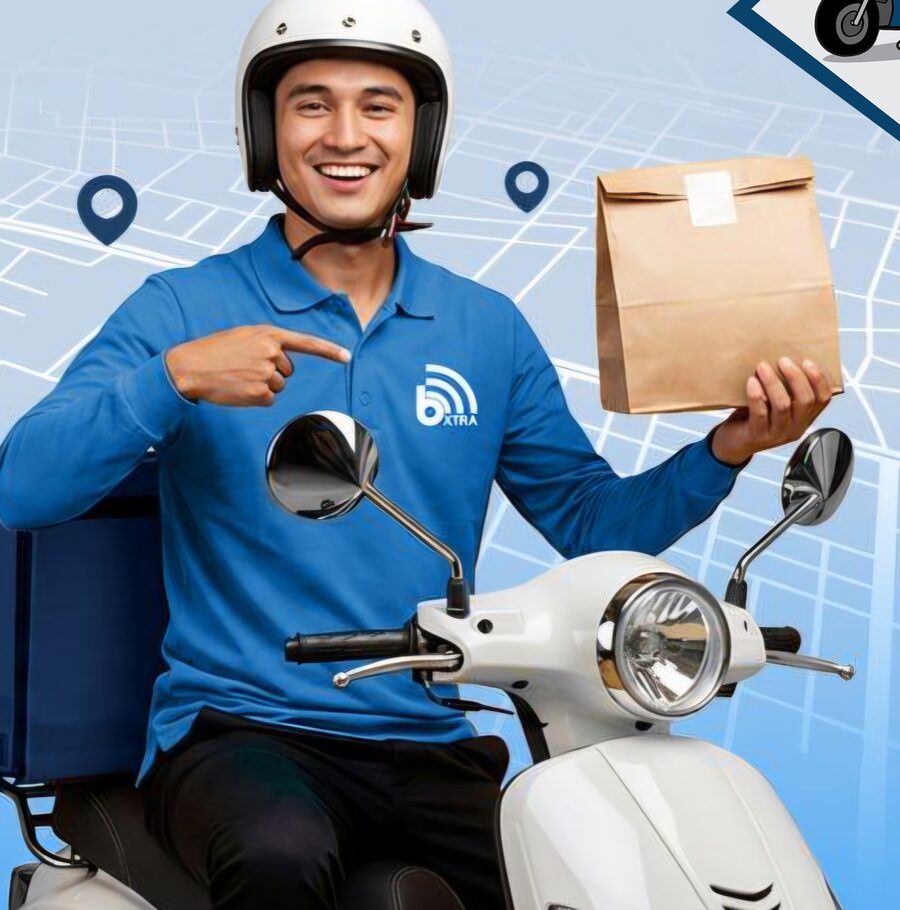
A PASUYO delivery rider in a bXTRA uniform
powered by bXTRA bXTRA
What a rider can get
Food Groceries Medicine Documents Pasalubong Hardware Flowers almost anything
How it works
1
Search the storePASUYO search runs on Google Maps — if it's on Maps, it's on PASUYO.
2
Pick items or describe what you needChoose from the list, or just type it (e.g. "2 bulalo, 1 rice"). Add a budget if you like.
3
Add your address and place the orderCash on delivery — no card needed.
4
A rider shops for youThey go to the store and check the real item and its actual price.
5
You approve the final pricePrices start as estimates; you confirm the real amount before you pay.
6
Track live and pay on deliveryFollow your rider on the map, then pay cash at your door.
See it in action
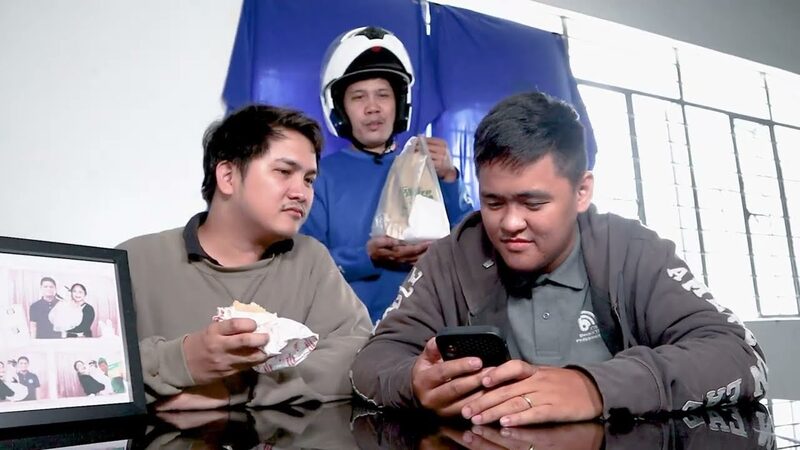
Watch: You should've just Pasuyo'd it Watch · 0:30You should've just Pasuyo'd it.
Shared bXTRA fleet Cash on delivery Price you approve Free delivery within 10 km
You pay for your items plus a 15% PASUYO service fee — shown before you confirm. Delivery is free within 10 km.
Good to know
How much is delivery?Free within 10 km. Beyond that, it's shown clearly before you confirm.
What's the service fee?A 15% PASUYO service fee, always shown before you place the order.
How do I pay?Cash on delivery — no card or e-wallet needed.
What if the price is different at the store?Prices start as estimates. The rider confirms the real amount and you approve it before paying.
What can I ask a rider to buy?Almost anything a store sells and a rider can safely carry — food, groceries, medicine, documents, and more.
How does it find the store?Search runs on Google Maps. If the store is on Maps, it's on PASUYO.

Ready when you are.

Open PASUYO and tell a rider what to buy.

Try PASUYO →